How to set up DNS for your website
For your website to respond on its domain name(s),
the associated DNS records have to point to freistilbox. If your domain is
managed by us, simply contact our DevOps support and we’ll take care
of all the necessary details.
In case you’d like to handle this yourself, we’ve made the process as simple as
possible. Simply go to your website’s details page and you’ll find the IP
address there:
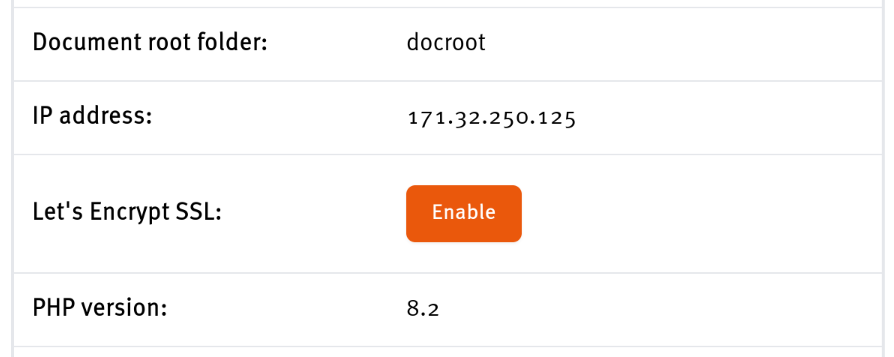
For all domain names to which you’d like your website to respond, you need to
set up a DNS A record pointing to this IP address. In the majority of cases,
this will be at least two names such as “example.com” and “www.example.com”.
[!note]
If your website’s IP address is displayed on the freistilbox dashboard as
“unknown”, a manual change by our engineering team will be required. Simply
contact our DevOps support and we’ll get it sorted.
If you’d rather have us manage all these technical aspects, you can transfer
the management of your domain to us at any time and we’ll be happy to take it
from there.
This document is version controlled - suggest changes on GitLab.