Technical support
Did you encounter an issue that you can’t resolve with our online
documentation alone? Our team is here to help you with any question or
problem.
Sign in to your freistilbox Dashboard and
the website in question. From there, you’ll be able to reach our engineers via
support request.
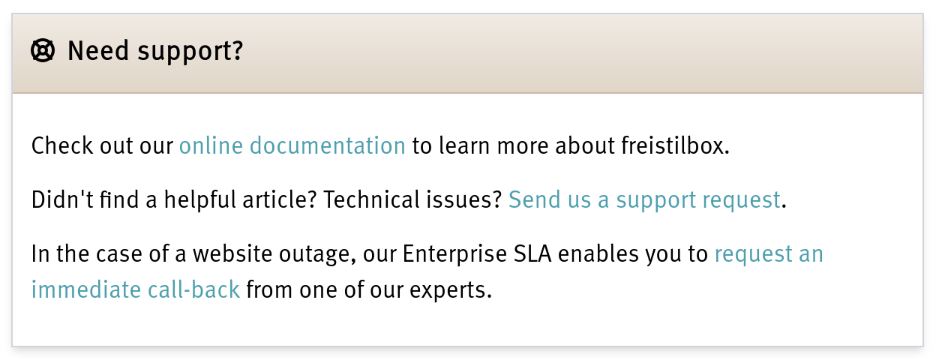
To create a support request, simply click the link “Contact support” in the
“Support” section of your website’s details page:
This will create a new ticket with our engineering team in which we’ll document
our progress to resolution. It will automatically contain important details
like your cluster and website IDs.
[!important]
Please do not mix unrelated topics in a single request. The resolution of
your issues will be much easier to track if you create a separate support
request for each of them.
Essential details
You can speed up the resolution of an issue by answering the following
questions as precisely as possible:
- WHAT are the symptoms of the problem?
- WHERE do they manifest?
- WHEN was the problem first detected and, if it was only temporary, when
did it end?
Here is an example support request that covers all the essential details:
[WHAT] We noticed error messages (“error 503”)
[WHERE] on our website www.example.com.
[WHEN] The problem started circa 14:20 CET and at 14:35, the site was
working okay again.
The following details will help us, too:
- a link to some instructions you followed
- a relevant snippet of code or configuration
- a screenshot of an error message
Always make sure to give us as much information as possible. The fewer roundtrips with you we need to get the issue clear, the faster we’ll be able to resolve it.
This document is version controlled - suggest changes on GitLab.